
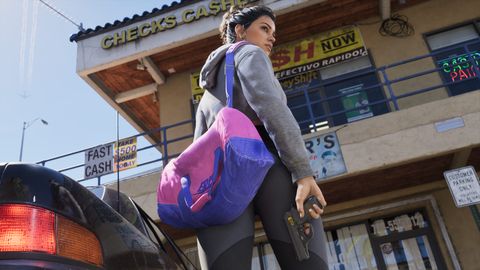







Heat icons: six, or seven with cloud CCTV
Red icons under the stars list what police have on you; clearing one can lower your wanted level. The usual list has six icons, a longer one adds cloud CCTV.
Details
- Face (your appearance): cover it with a mask. A hair change beats the Face match.
- Clothes: change clothes. A full outfit change beats the Clothes match.
- Crew (you have a companion): split up Jason and Lucia.
- Car: switch vehicle. CCTV (camera footage): destroy the footage. Gun (weapon used): hide the weapon.
- Cloud CCTV, the seventh icon in the longer list, stores footage in the cloud and cannot be wiped.
- Removing an icon can reduce the wanted level, but success depends on how much police already know.
More in Wanted level
- Police recognition iconsRed icons in the top-right show what police know. Changing hat or glasses from the item wheel turns that icon white.
- Change clothes to shake the policeKeep a change of clothes in your car trunk. A new outfit makes it harder for police to identify you.
- Lose the police: break sight, clear every red iconBreak line of sight, then clear each icon under the stars (weapon, appearance, outfit, partner, CCTV, vehicle) and stay out of the red heat zone.
- Extra clues: cloud CCTV, bloodstains and dye packsCloud CCTV footage cannot be destroyed. Bloodstains and exploded dye packs may also count as clues for police.